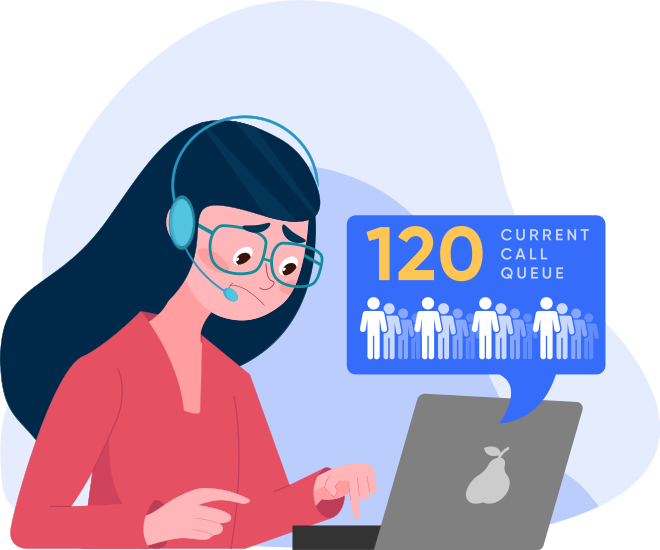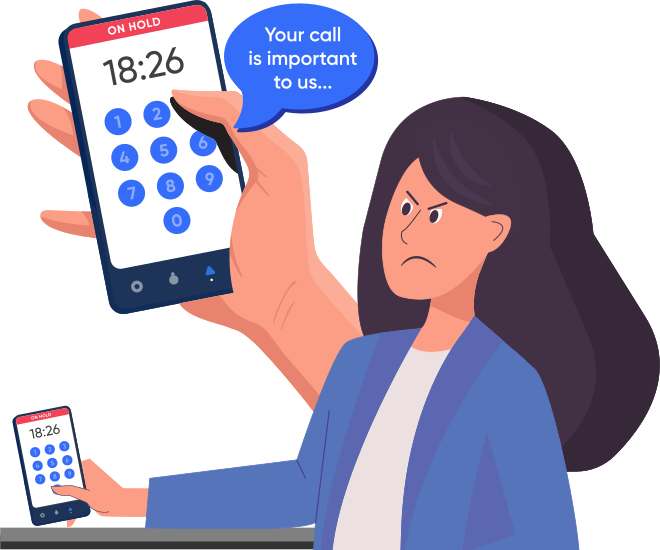
Phone menus aggravate customers, leading to zero-outs. Connecting to the wrong agents increases caller frustration and your costs.

Misnavigation is a key performance metric for call centers. In order to improve customer satisfaction, it is critical to track how many calls are misnavigated and whether the cause is misunderstanding of instructions or simple "zeroing out".

Visual dialing provides a new interface to your call center. It reduces customer misnavigation by presenting your phone menu in a friendlier and more effective way. With Fonolo, your customers will be able to navigate your phone menu visually. Through our patent-pending process of "Deep Dialing", they will be able to click and connect to any point in the phone system that you define.

After initiating a call, your customers will receive a call-back to their requested phone number. When they answer the call, they will be delighted to hear one of your agents on the other end, ready to help them (and fully informed).

"Providing a satisfying experience to our subscribers is a top priority for Sirius. Like most companies, we need a phone menu to direct callers to the right agent. Fonolo provides us with an easy way to give callers a much friendlier alternative to the phone menu by allowing us to call a customer back when the next available agent is ready. This helps us keep existing customers happy and streamlines the sign-up process for new customers." - Mark Morais, Director of Customer Operations, Sirius Canada

Step 1 of 5: Getting Started With Fonolo is Easy!

In just a few minutes, you'll be able to see a "visual map" of the options in your company's phone menu and create a "call widget" that allows callers to navigate through your phone system in one click. You'll also generate a mobile-style preview that you can access through a smartphone or web browser. But first, we'll need some basic info.

  1. So we know who you are.
  2. We'll use this to show you what the widget will look like on your site. (Most people choose their company's home page.)
  3. Must be a North American direct-dial number. (For numbers outside the US and Canada, contact us.) If your phone number isn't found in our database, you can continue building your widget today using one of our sample IVRs, until your phone menu is added to our system.
To see your existing Widget Preview, hit the Preview button now, or Continue to create a new one.

Checking the Fonolo IVR database for the number .

Sorry! We were not able to find in our database, but we've added it to our system to be scanned.

For now, you can use a sample IVR to create a call widget and experience all of Fonolo's features. When your IVR has been scanned, we'll send you a note so you can connect it to your trial.

Step 2 of 5: Mapping "Call Buttons" to Your Phone Menu

Drag and drop options from your IVR onto the call widget to create "call buttons" that can be used to skip through your IVR. If your company's phone menu doesn't appear here, please select one of the sample IVRs from the drop-down menu.

    No Nodes found in database for selected tree.

Step 3 of 5: Basic Appearance

Every element of the Fonolo widget is configurable through our web interface. But for now, let's keep things simple! Just choose a title and theme.

Widget Title


Widget Color Theme
Try this live demo!

Step 4 of 5: Tab Configuration

Visitors to your site will activate the Fonolo trial widget by clicking on a tab that appears on the side of the web page.
Call widgets can be also embedded in any page and customized in many ways.

Tab Label


Tab Position

Step 5 of 5: Advanced Features

By adding Fonolo as a new "front end" to your call center, you automatically gain access to powerful features like:

Hold-For-Me / Scheduled Call-Backs
Your callers will never have to wait on hold again! Instead, they'll get a call-back when the next agent is available. We also allow scheduled call-backs which can make your call center more efficient by shifting calls to off-peak periods.

Pre-Call Questions
Dramatically reduce the time your agents spend on each call by collecting key information (e.g. account numbers, reference numbers) before the call. That way, agents can get right down to business when connected to callers. All your existing CTI and "screen pops" will be unaffected.

Post-Call Surveys
The best way to get feedback on your call center is to ask questions immediately after the call, when the experience is still fresh in the mind of the caller.

All of these features are fully configurable at Fonolo's convenient customer portal.
Fonolo's cloud-based approach makes it quick and painless.

You're all Set!

Until Fonolo scans your IVR at , the call widget will continue to use the sample IVR you selected.

To be notified when your actual IVR has been scanned, please let us know where to contact you. (This step is optional.)


Thank you. We will contact you at when your phone menu is ready.

Your new Fonolo Preview is available here: http://fonolo.com/blah

Share this URL with anybody you want. You can make changes by hitting the "Back" button below, or by visiting the preview URL and clicking the "Edit" button.